Voice and video calls
One-to-one, encrypted between the two phones. Choose who can connect to you directly. Other calls go through our relay, which hides your IP address.
Now on the App Store in Israel
A private messenger. One-to-one chats and private groups are end-to-end encrypted. Voice and video calls, channels, clips and bots. No ads.

End-to-end encrypted chats
How it works
Your message is locked on your phone and opened only on theirs. On the way, it passes through our server. The server knows who wrote to whom, when, and how big the message is. Not what it says.
Illustration. Names are made up.
Only the devices in the conversation can open these.
These are encrypted in transit and on our servers, but we can read them.
Algorithms: X25519Ed25519AES-256-GCM
One-to-one, encrypted between the two phones. Choose who can connect to you directly. Other calls go through our relay, which hides your IP address.
With admins and permissions. In private groups, admins decide whether new members can read earlier messages.
Short public videos, up to 60 seconds, from your camera or your library. Like, comment and share.
Chat with bots made by people and businesses. Every bot has a page that shows what it can see. Build your own with QivBot, right in a chat.
GPS location and other identifying details are removed before a photo is sent. Files that could run code get a warning before you open them.
Two-step verification, recovery codes, and app lock with Face ID or a passcode. See every signed-in device and sign any of them out.
Choose who sees your number, last seen and photo, who can add you to groups, and how much of a message shows in notifications.
Sign in with your phone number or a Qivpass number. In English, Hebrew and Russian.
Voice messages, photos, videos and files. Replies, reactions, forwarding, editing, pinned messages and search. Disappearing messages. Stickers and GIFs.
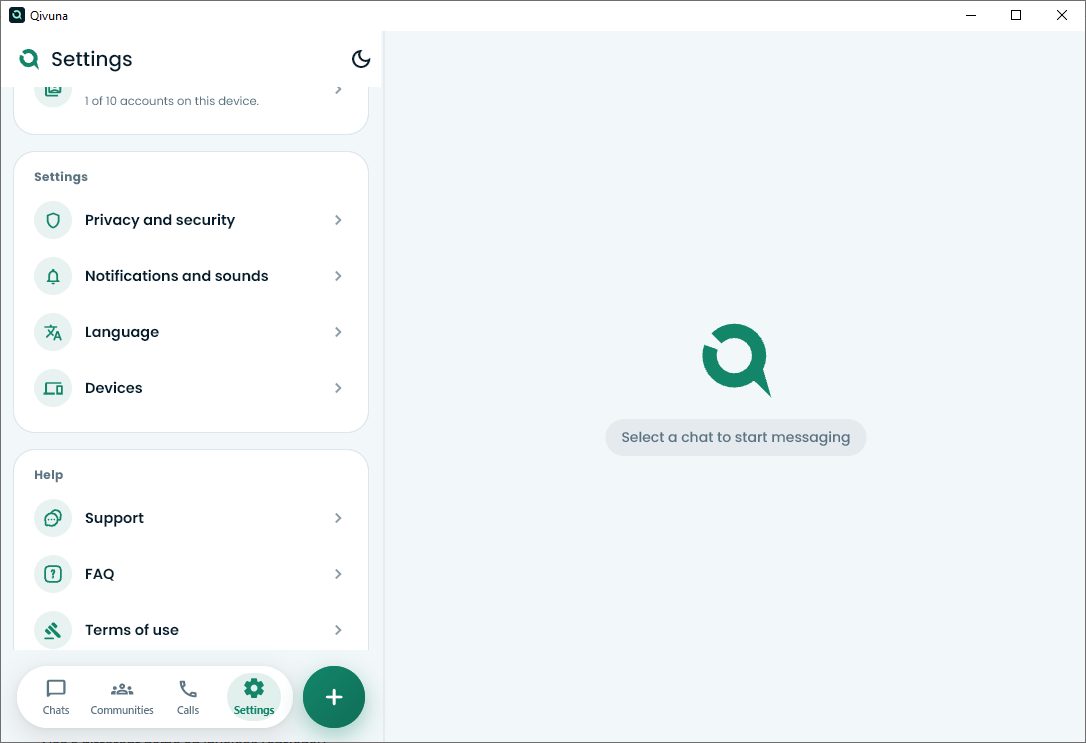
Your chat list and the open chat side by side, on a big screen, with a real keyboard. Voice and video calls too.
This download is for a Windows computer. Open qivuna.com/download/en on your computer and install it from there.
SHA-2569a525bb393975cceaefc5addada8efde733ccb6c7ff413103a6acb5eb4c32066
The file is not digitally signed yet, so Windows shows a SmartScreen warning before it installs. How to continue
Private messages: no. They are locked on your phone, and the keys are only with the people in the conversation. What does pass through us: who wrote to whom, and when. What is written in a public group or channel is visible to anyone who joins.
An encrypted blob, without the file name or type. The server does know the file size, the sender and the recipient.
On iPhone, from the App Store, in Israel for now. On Windows computers, at qivuna.com/download. Android is coming soon.
Enter your chat recovery code, or scan a QR code from a phone that is already linked. The recovery code brings your encrypted chats to the new phone, even without the old one.
No. Qivuna is free on the App Store, and there are no ads.
Qivuna is for people aged 16 and over.
Another question? support@qivuna.com